App Store screenshots that look designed.
Real 3D device frames, mesh-gradient backgrounds, and one device that flows across every panel — exported at exact App Store sizes. In your browser, in minutes.
No Figma. No $99 mockup packs. No design degree.
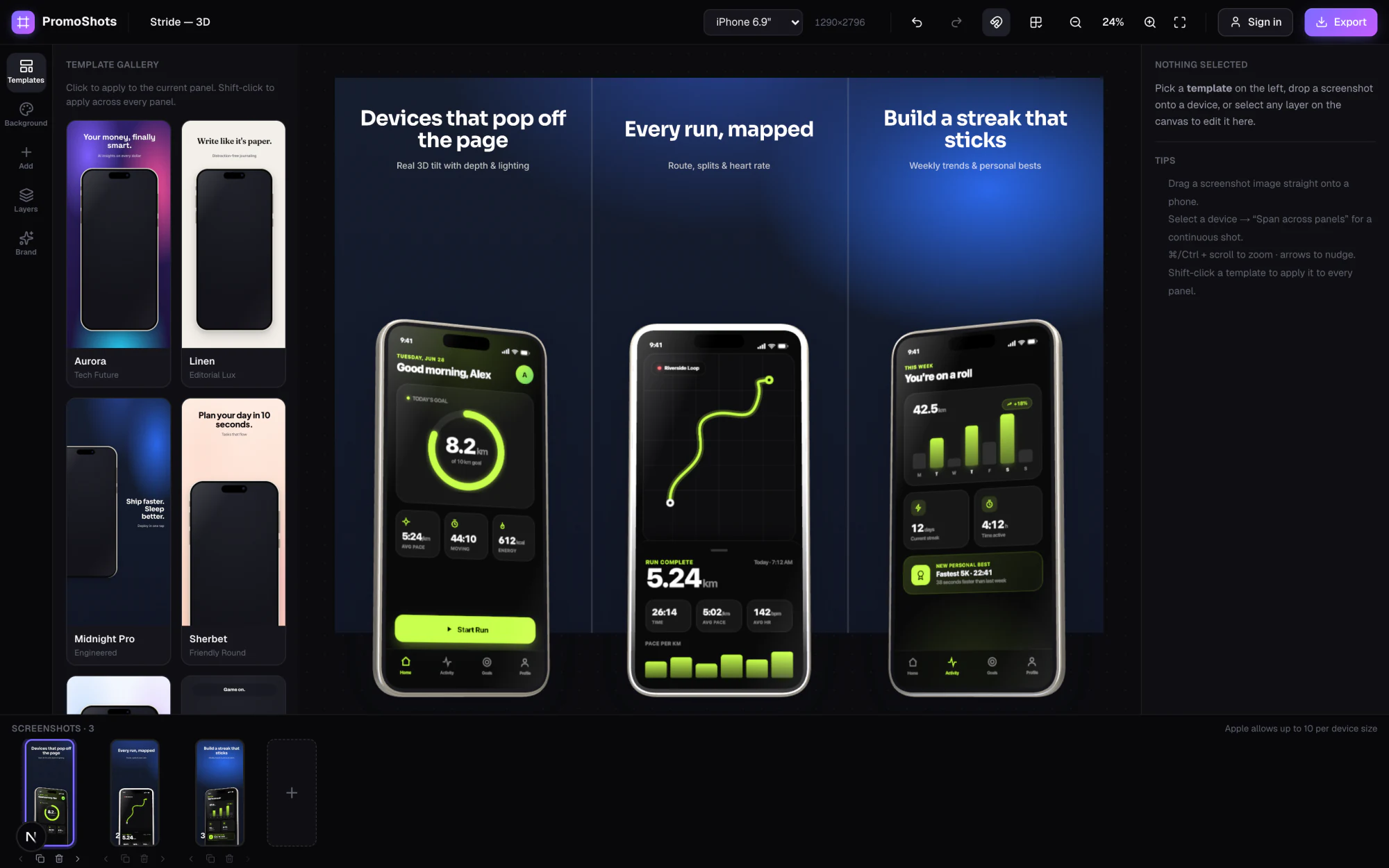
Most App Store screenshots are flat, gray, and forgettable.
Yours are the first thing a shopper sees — and the difference between a scroll and a tap. PromoShots takes the raw screen straight out of the Simulator and makes it look like a studio designed it.
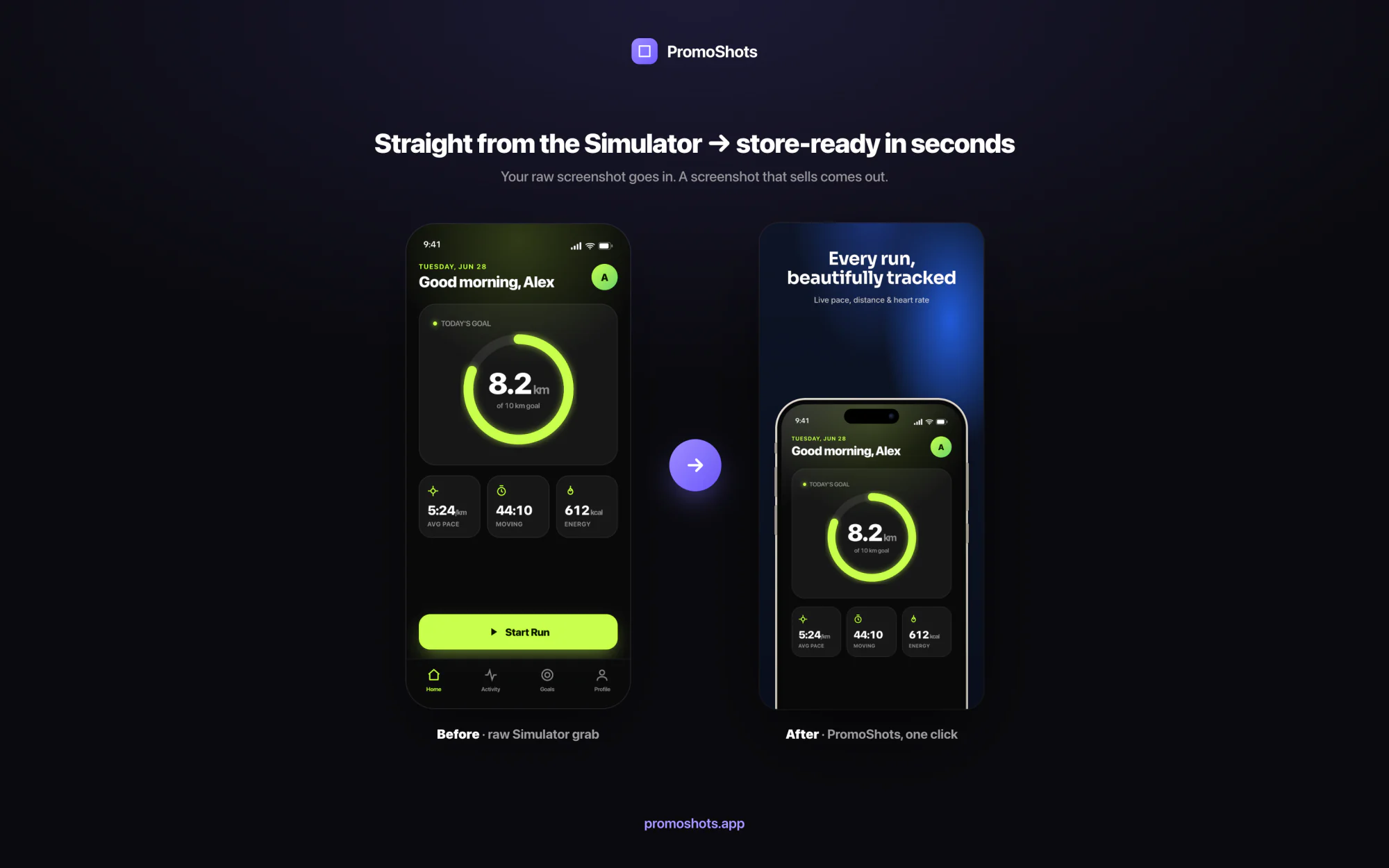
Features
Everything you need to make a set that converts.
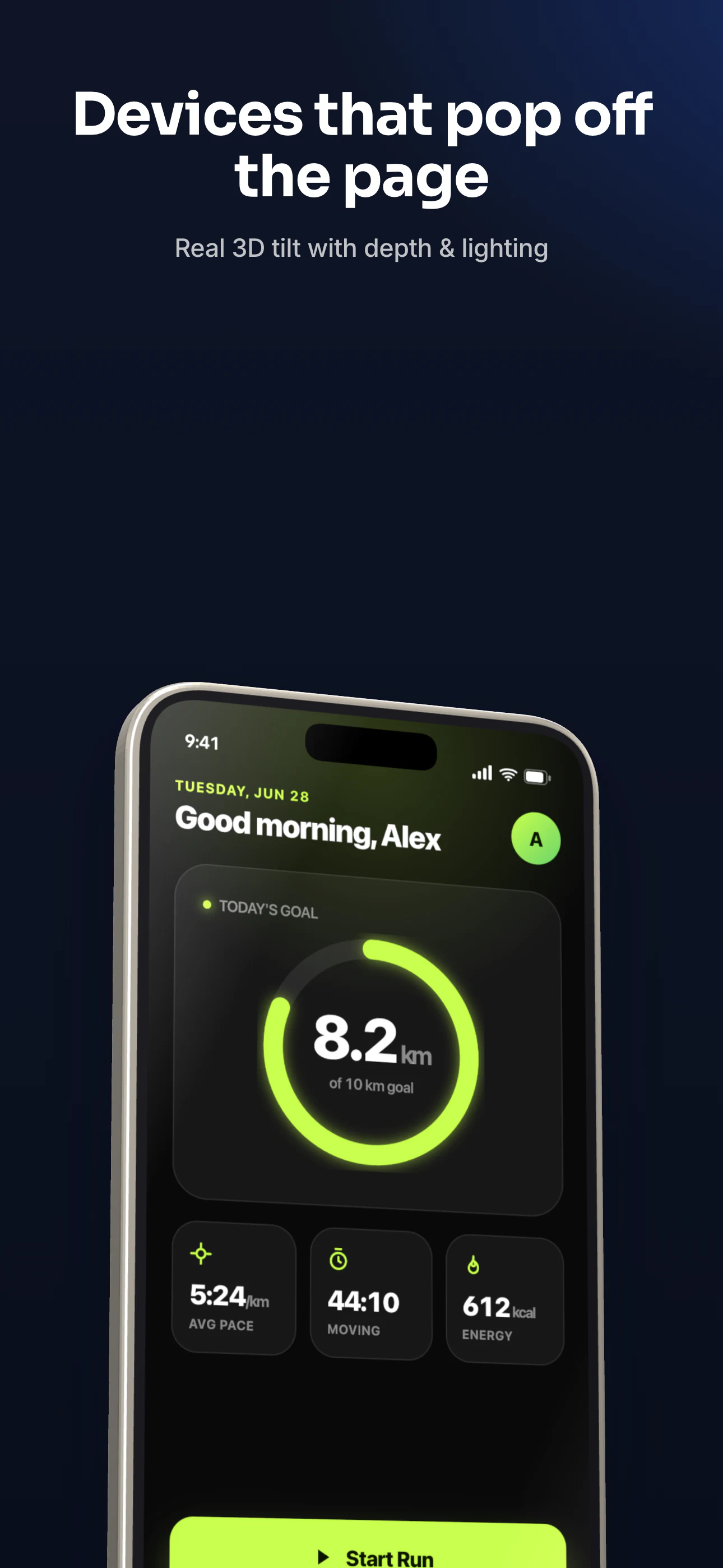
Real 3D frames
Device frames with actual depth
Genuine tilt, perspective and lighting — wired into both the editor and the export, so what you see is exactly what ships.
- True 3D tilt, not a flat PNG mockup
- Pixel-matched between editor and export
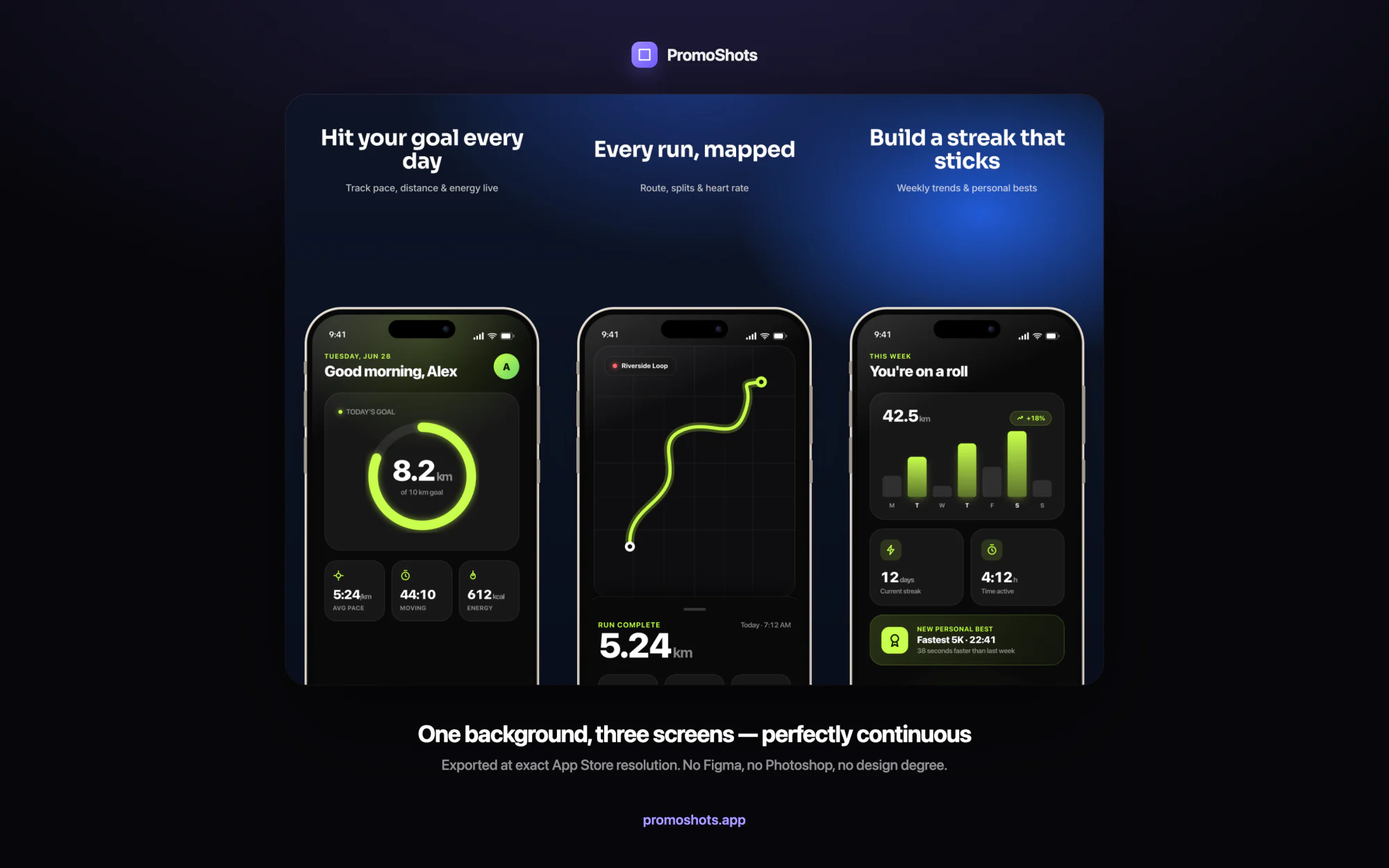
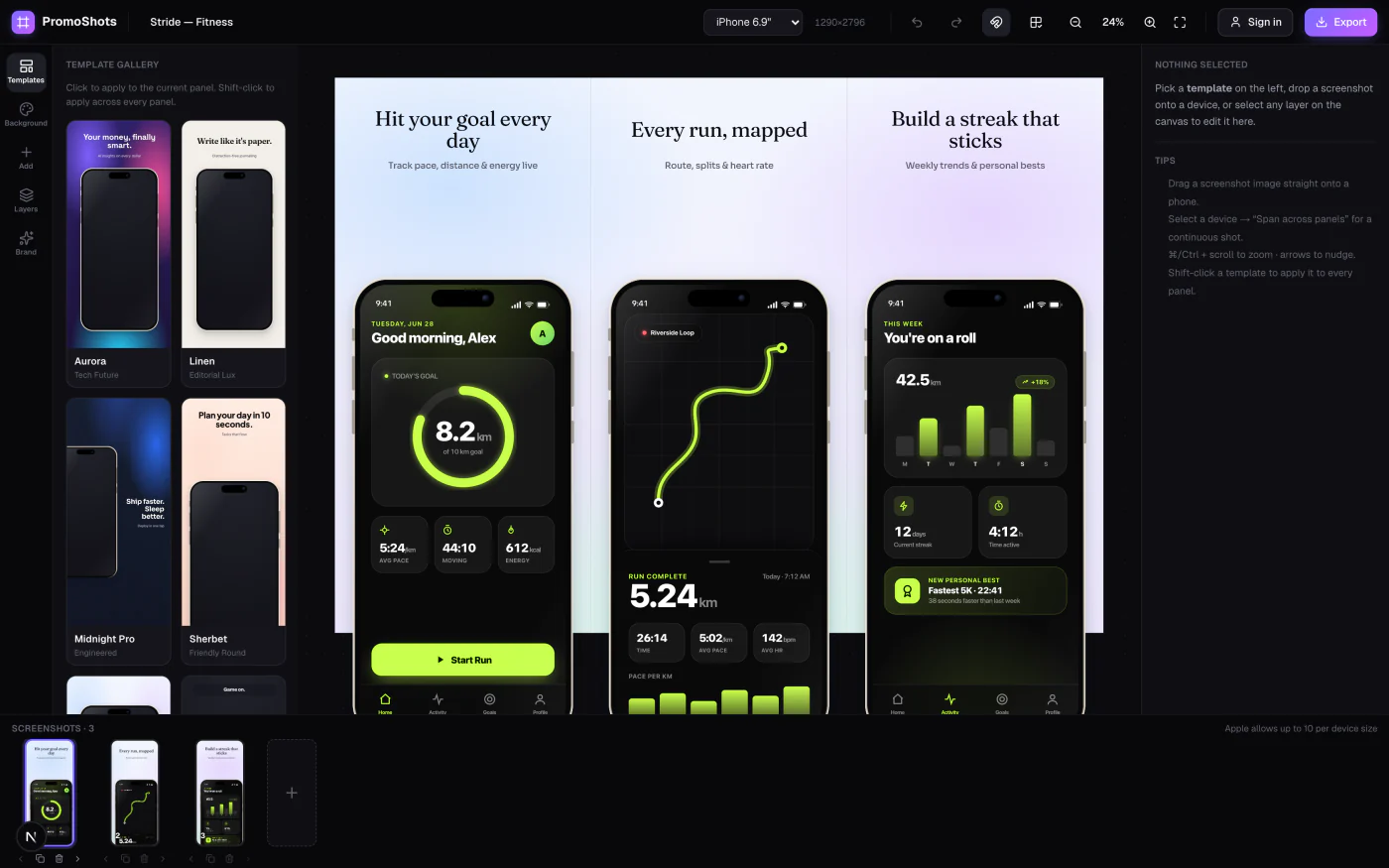
Continuous layouts
One background, flowing across every panel
A single mesh gradient and one device glide seamlessly from screen to screen — the detail that makes a set look intentional instead of slapped together. It's a single toggle.
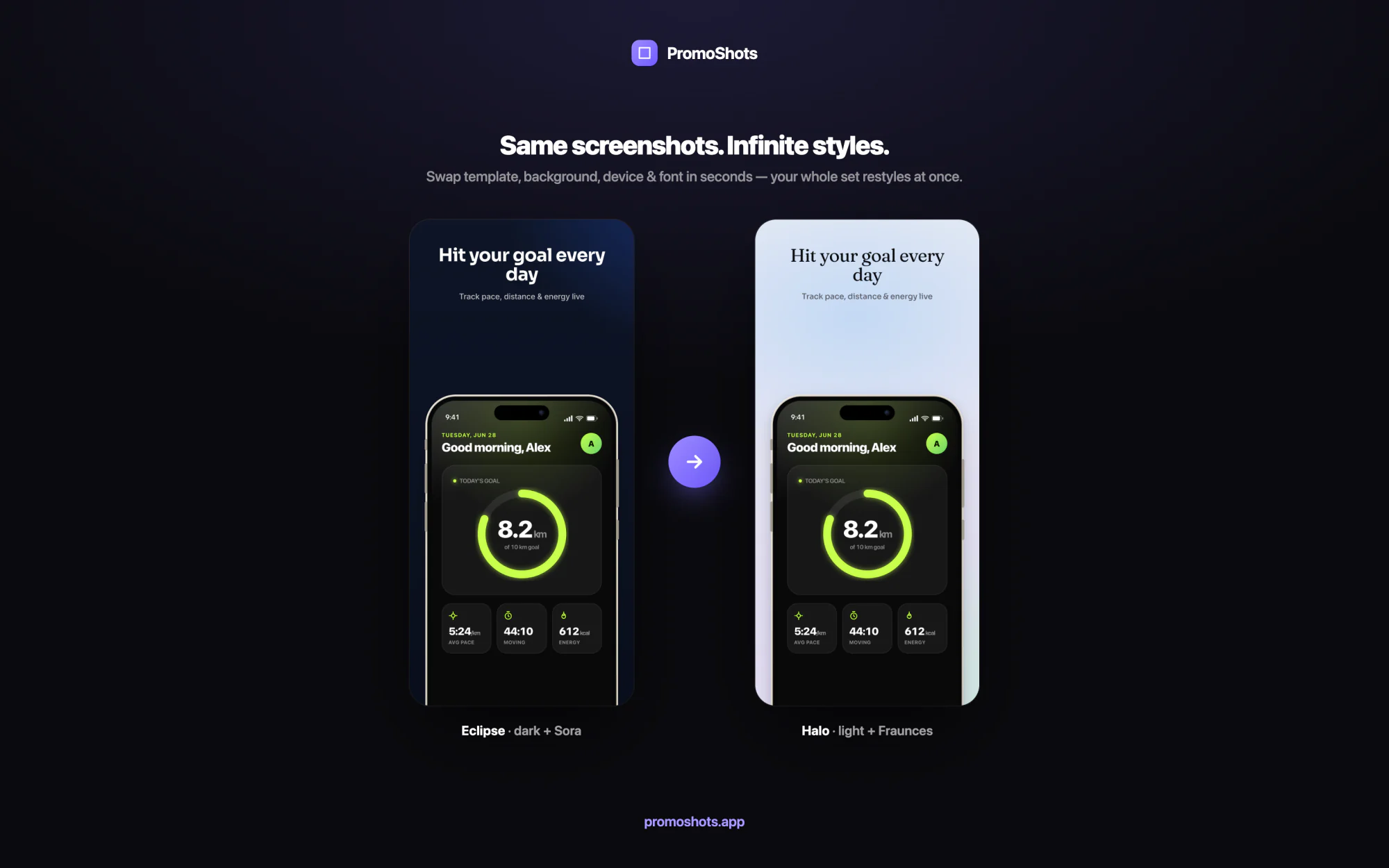
Restyle in one click
Try ten directions before your coffee's cold
Swap the template, background, device and font and your whole set restyles at once — so exploring looks costs seconds, not an afternoon of nudging layers.
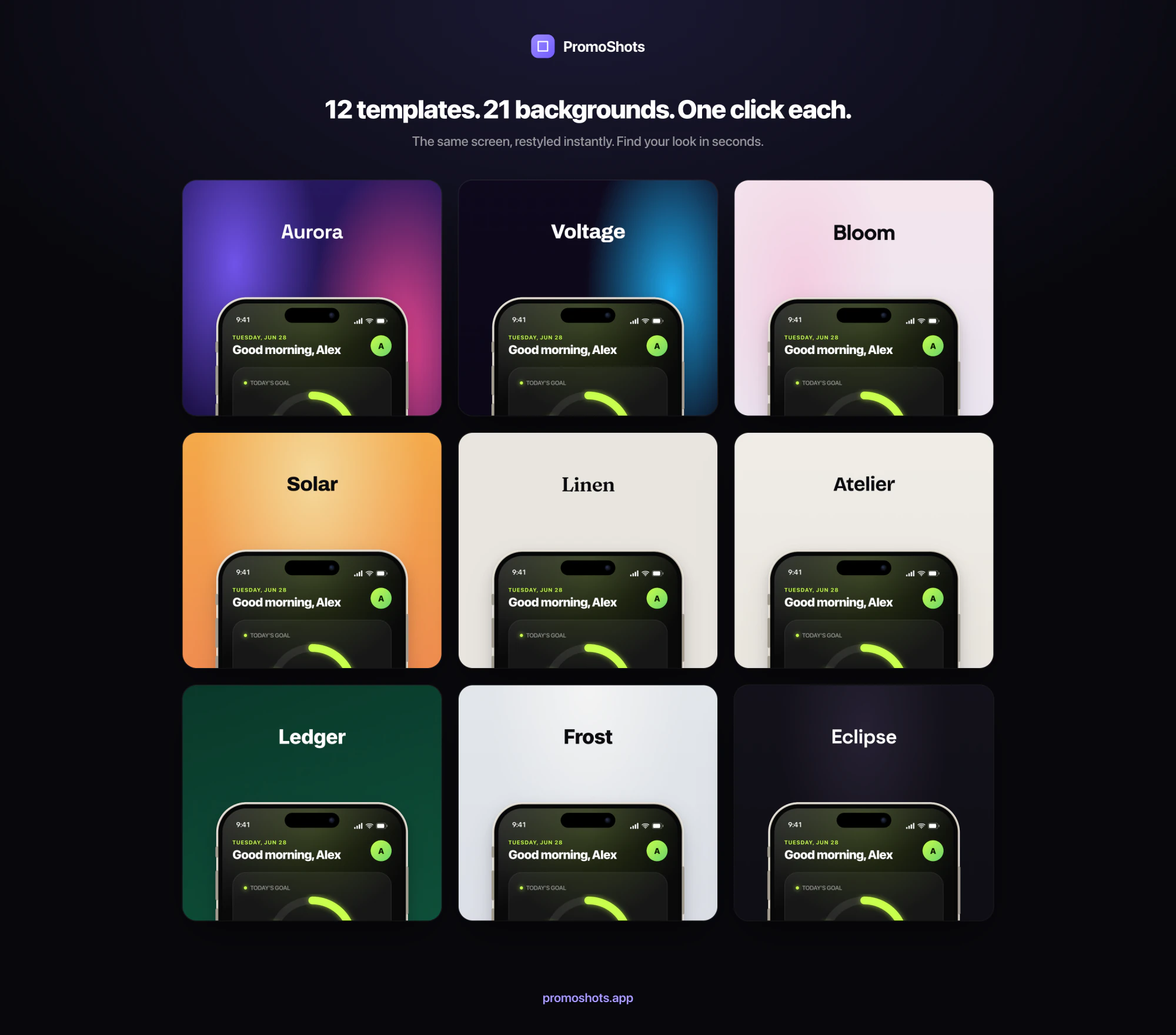
- 12 templates · 21 backgrounds · 12 fonts
- Applies across every panel at once
Pixel-exact export
Every required size. Zero rejections.
Deterministic, pixel-perfect output at every store dimension — never an off-by-a-few-pixels rejection. Export one screen or the whole set as a ready-to-upload ZIP.
AI & MCP
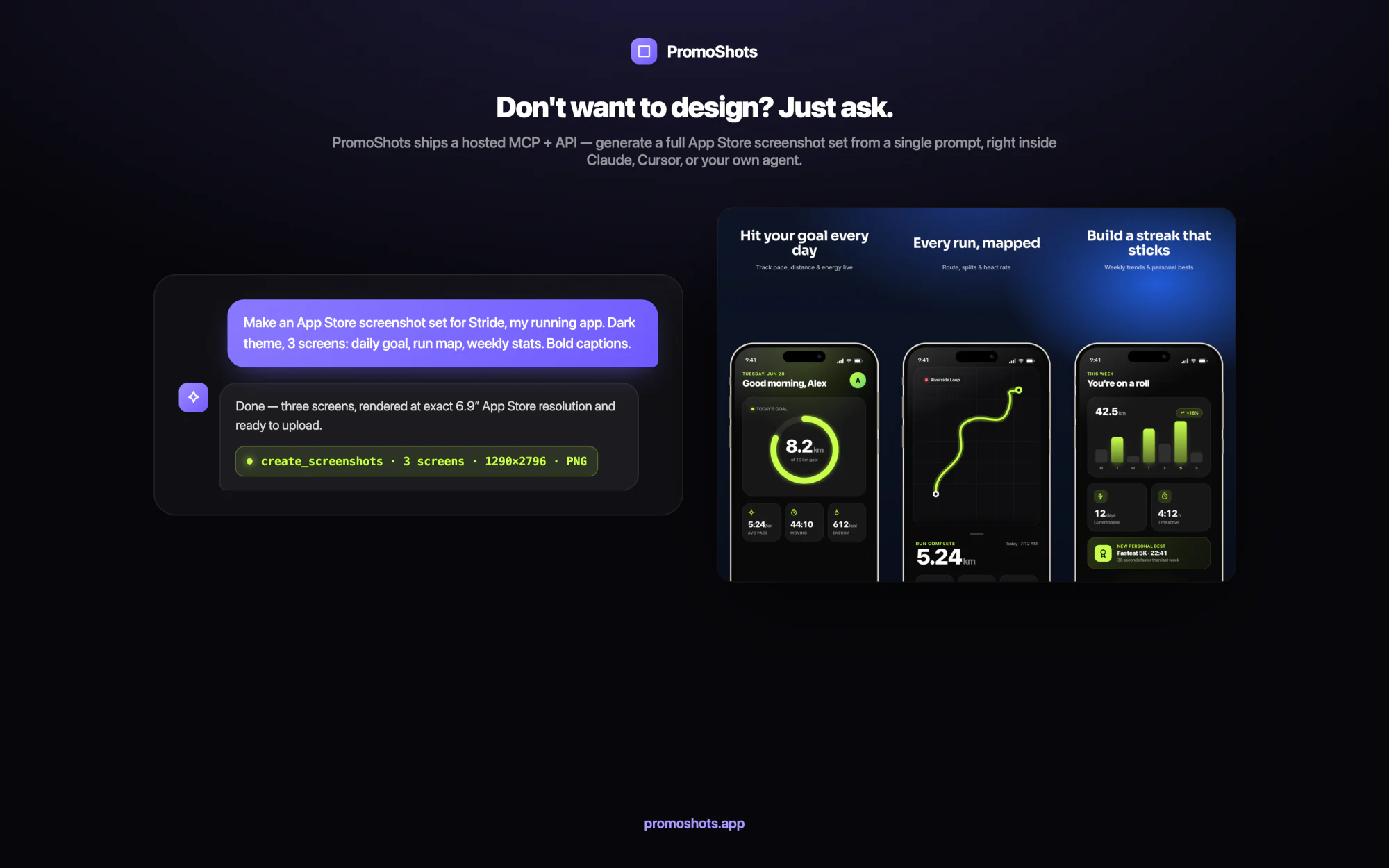
Don't want to design? Just ask.
PromoShots ships a hosted MCP server and API, so Claude, Cursor or your own agent can generate a full App Store set from a single prompt.
“make me 3 dark App Store screenshots for my running app”→ a finished set, at exact size.
The hands-off pipeline
Pull from the Simulator
Grab fresh screenshots straight from the iOS Simulator with the ASC CLI.
Design with PromoShots
The hosted MCP turns raw screens into a stunning, on-brand set at exact size.
Push to App Store Connect
Upload the finished set back to App Store Connect — hands-off, start to finish.
Templates
A gallery that looks paid-for.
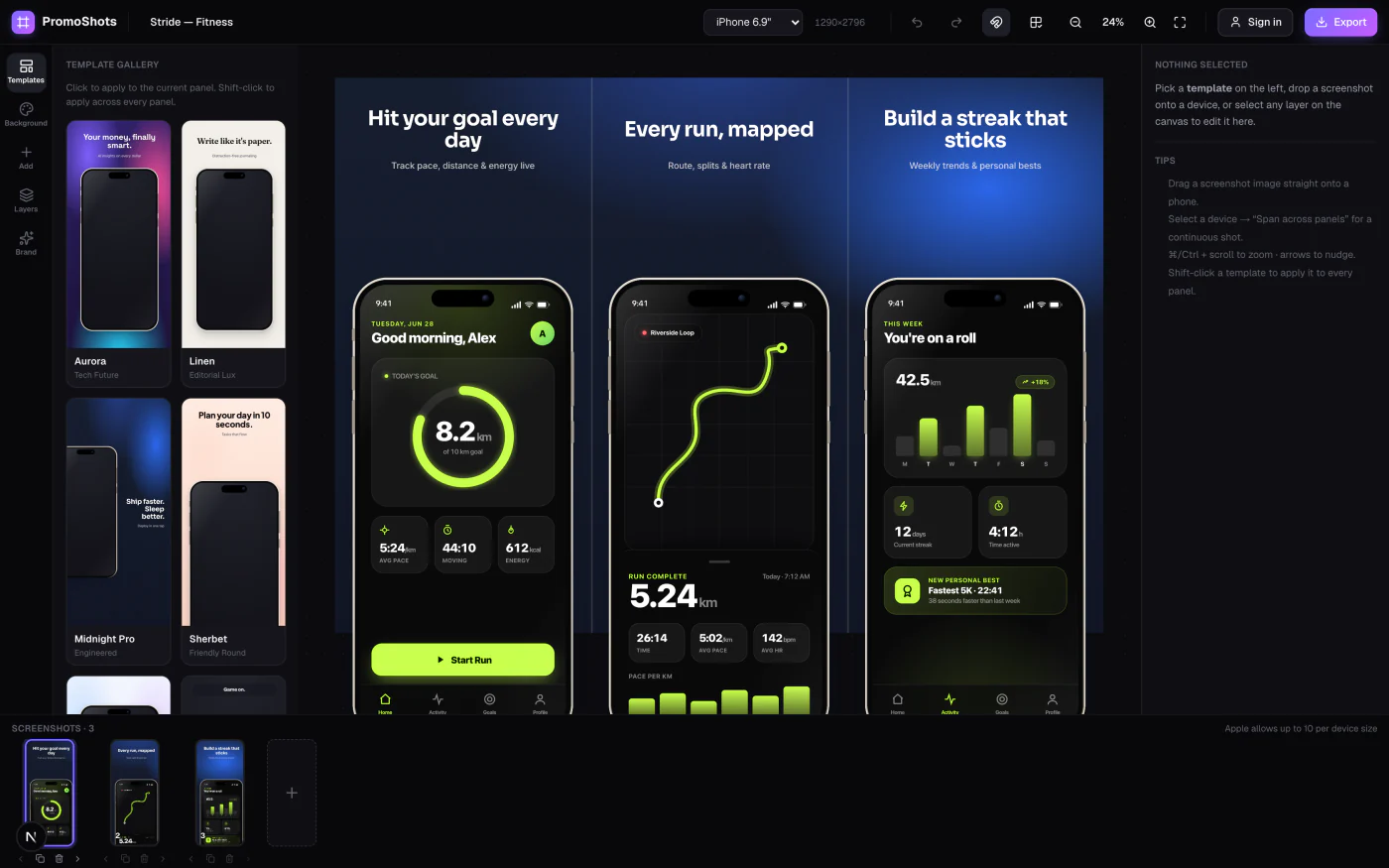
Start from a designed template and make it yours. The same screen, restyled until it feels like your app.
How it works
Blank canvas to upload-ready in ~5 minutes.
Drop in your screens
Upload screenshots straight from the Simulator — or hand them to an agent via the MCP.
Pick a vibe
Choose a template, background, device and font. Restyle the whole set until it clicks.
Export at exact size
Download every required App Store size as PNG, JPEG, or a ready-to-upload ZIP.
Ship a set that looks designed.
Free & unlimited during beta — and early testers keep a real bonus when paid plans launch.
Built solo, in public. Come break it on X →